Fishy Missile
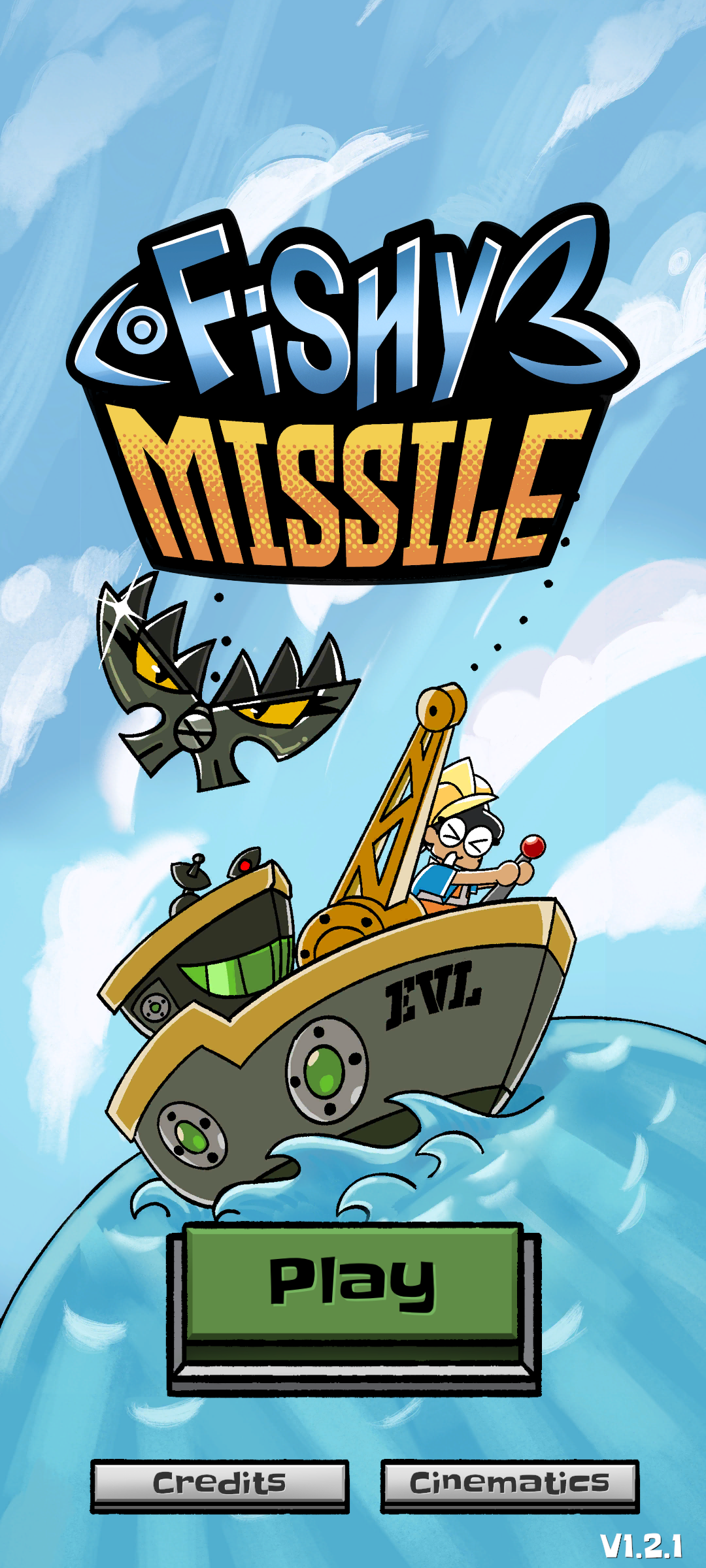
Fishy Missile is a comically evil (not-)fishing simulator where you dodge fish and collect scrap to build a moon-destroying missile. We wanted to create an experirence that could only work as a mobile game, and we also wanted the game to be accessible to a younger audience.
Project Details
- Genre: 2D comedic fishing game
- Platforms: iOS, Android
- Engine and tools: Unity, C#, Plastic SCM
- Team size: 7
- Duration: May 2026 - July 2026 (3 months)
- Status: Released July 2026
As Lead Programmer, I...
Tilt Controls
Tilt controls are unique to mobile, so my team was interested in making that our game's primary control scheme. Only a few popular games like Ninja Fishing, Temple Run, and Doodle Jump use tilt controls, so we weren't sure how the unconventional control scheme would be received. We did A/B testing comparing touch controls against tilt controls, concluding that while touch is significantly easier to control, tilt is more fun in and of itself. Additionally, with our game scrolling vertically, having a finger on screen blocks some of the game view. Using tilt rather than touch also opened up the possibility for touch-based powerups, which led to our noclip dev tool making it into the final game as the ghost powerup.
I owned the tilt controls, and I was interested in a novel implementation unlike the previously mentioned three games.
- Problem: Accelerometer-based tilt controls in Ninja Fishing, Temple Run, and Doodle Jump make it impossible for the game to be played while lying down.
- Solution: Use the attitude (orientation) sensor instead, calculating relative tilt based on a reference orientation.
- Trade-off: Upright rotation is interpreted as tilt, so the game is difficult to play in moving vehicles or while walking.
- Justification: Most people will play the game while they are stationary, and people really like using their phone while lying on their side.
- Problem: Requiring the player to hold the phone still to calibrate disrupts the game flow.
- Solution: Automatically set a new reference orientation whenever a player swipes the start lever to begin a new session.
- Trade-off: The player may start the game at an awkward angle.
- Justification: Sessions are short, and the player can easily restart a dredge and re-calibrate.
Here is the relevant code:
/// <summary> /// Sets reference rotation based on current device rotation/// </summary>public void CalibrateOrientation() { if (!enabled) return; if (AttitudeSensor.current == null || !AttitudeSensor.current.enabled) { Debug.LogWarning("Attitude sensor not available or enabled. Cannot calibrate orientation."); return; } m_referenceOrientation = AttitudeSensor.current.attitude.ReadValue();}/// <summary>/// Gets relative rotation of current orientation to reference orientation/// </summary>/// <returns>Normalized tilt value based on device orientation</returns>public float GetNormalizedTilt() { Quaternion deviceRotation = AttitudeSensor.current.attitude.ReadValue(); Quaternion relativeRotation = Quaternion.Inverse(deviceRotation) * m_referenceOrientation; float rotationY = relativeRotation.y / m_tiltBoundY; float rotationZ = relativeRotation.z / m_tiltBoundZ; return Mathf.Clamp(rotationZ - rotationY, - 1, 1);}/// <summary>/// Normalizes tilt and maps to horizontal position/// </summary>/// <param name="normalizedTilt">Input tilt</param>/// <returns>Normalized horizontal position based on tilt</returns>private float MapTiltToPosition(float normalizedTilt) { return Mathf.Clamp(normalizedTilt, -1f, 1f) * m_movement.HorizontalBound;}Cinematics
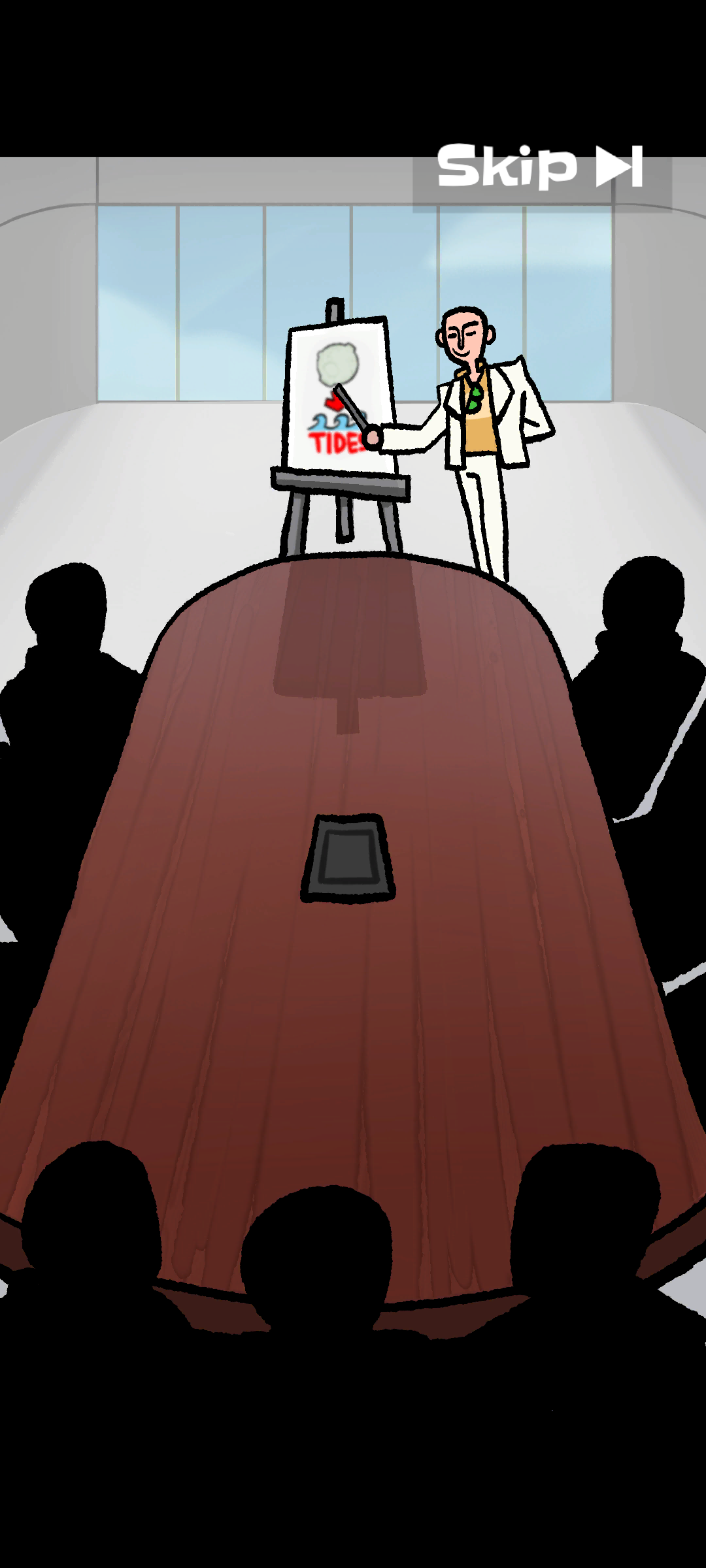
I worked with one of our artists, Orlando Zapata, and our audio designer, Claire Mayfield, to finalize the cutscenes in engine. I set up the animation clips with all the frames and guided Orlando, who had never used Unity before, through how to time them. After Orlando finished timing the cutscene, I would pass it on to Claire to finish.
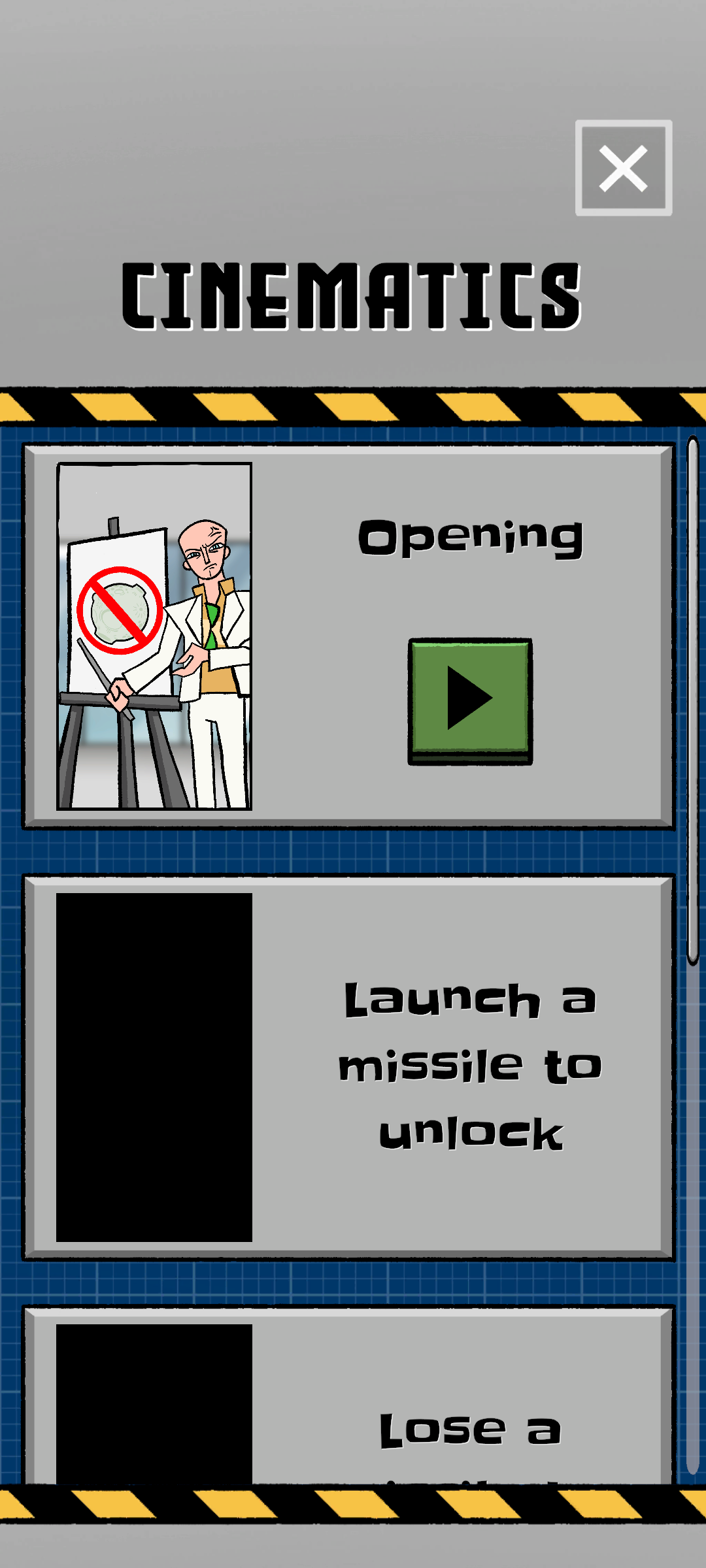
I pitched and designed the cinematics menu that allows players to rewatch cutscenes. I added flags to check whether a cutscene should be played and to unlock the cutscene in the cinematics menu. I also implemented the cinematic skip button, which only appears after the screen is tapped and fades out if not pressed after a few seconds.